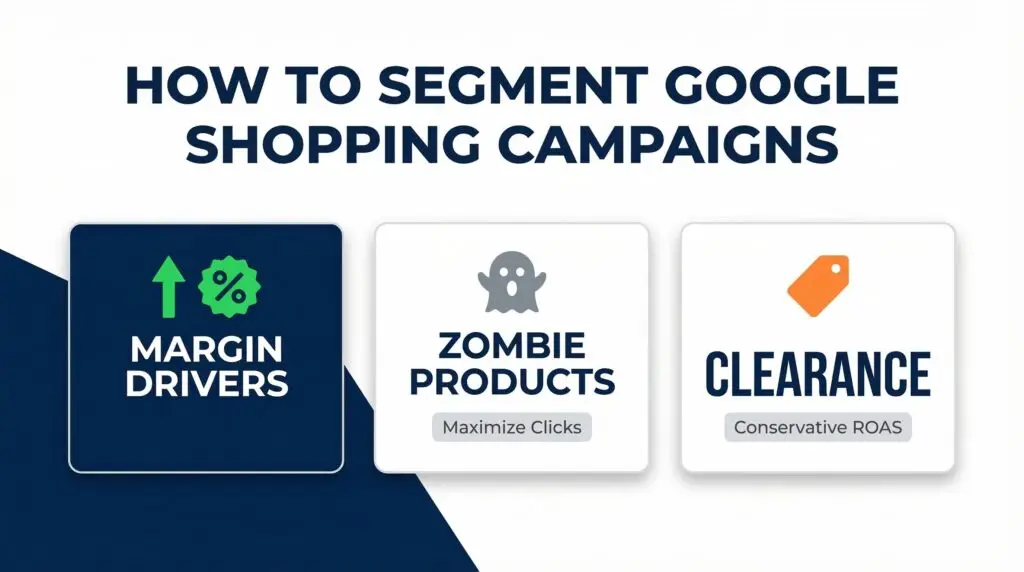
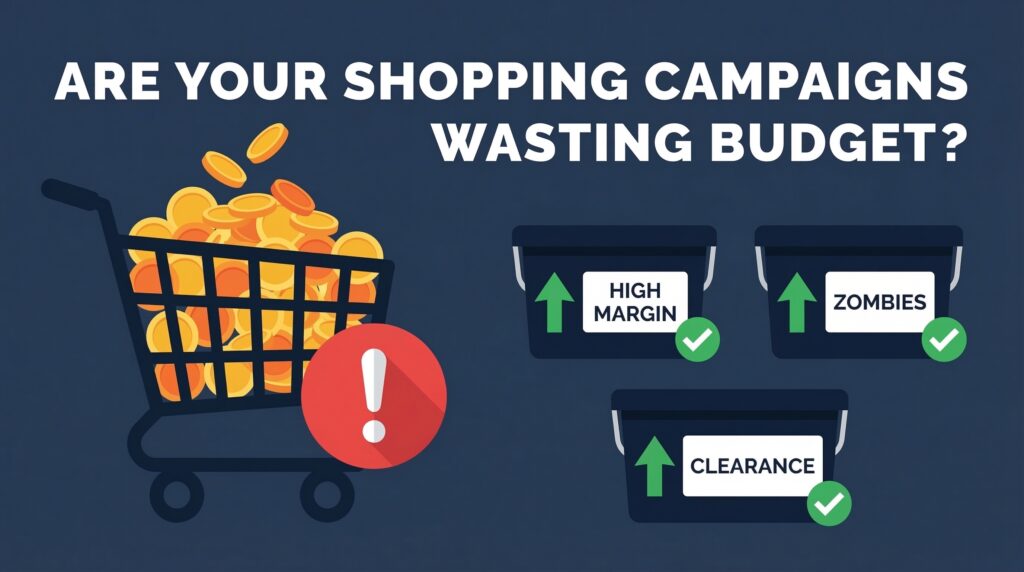
If you’re running one Google Shopping campaign for your entire product catalog, Google is making all your budget decisions for you. And I promise — it’s not picking the ones you’d pick.
Here’s what actually happens. Google’s algorithm looks at your whole catalog, finds the handful of products that already have conversion data, and dumps 70–80% of your budget into them. Everything else — your new launches, your high-margin items, your long-tail SKUs — gets almost nothing. They sit in the feed collecting zero impressions, and after a while the algorithm treats them as dead weight.
This isn’t a bug. It’s how the system is designed. But it means that without intentional segmentation, you’re essentially letting the algorithm run your merchandising strategy. That’s a problem.
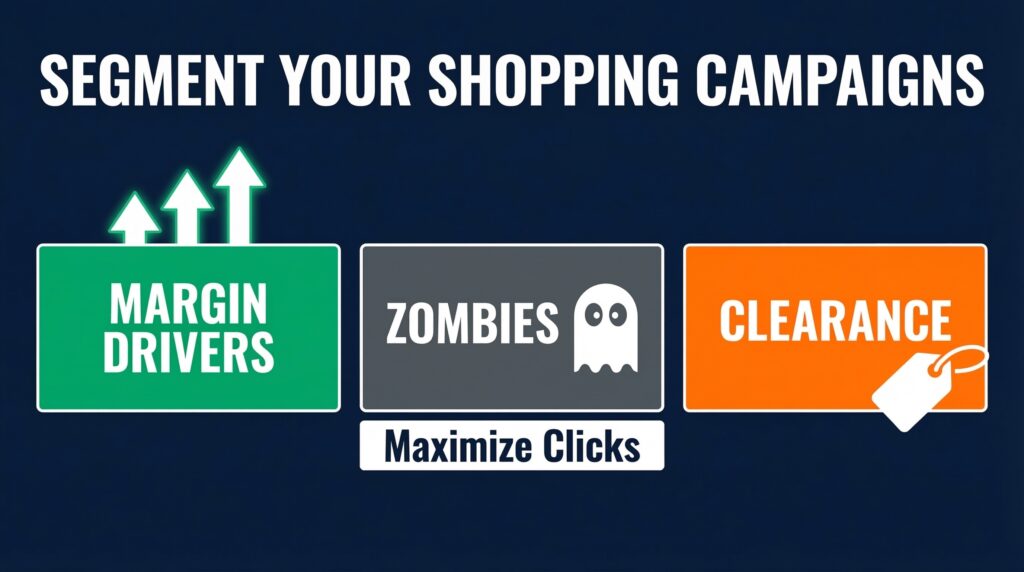
The 3-Bucket System
The framework I use — and that most advanced e-commerce advertisers have shifted to in 2026 — splits products into three distinct campaign types based on performance tier and business priority.
Margin Drivers. These are your high-margin, high-stock products. The ones where a sale actually moves the needle for your business. These deserve their own campaign with aggressive bidding and a dedicated budget. Don’t let them share a campaign with low-margin clearance items — their ROAS targets are completely different, and mixing them just forces the algorithm to compromise.
Zombie Products. This one’s underappreciated. Zombies are products with zero conversion history — usually new launches or long-tail SKUs the algorithm has never touched. The problem is self-reinforcing: no data means no impressions, no impressions means no data. To break the cycle, pull these into a Standard Shopping campaign with a Maximize Clicks bid strategy. You’re not asking for ROAS yet. You’re buying data. Once a zombie accumulates enough click and conversion history, you can graduate it into a proper performance-based campaign.
Clearance. Low margin, need to move fast. These shouldn’t be stealing budget from your margin drivers. Give them their own campaign with a conservative target ROAS — enough to move inventory without bleeding money on every sale.
How Custom Labels Make This Work
The practical backbone of this whole system is Custom Labels in Google Merchant Center. You’ve got five label slots — 0 through 4 — and they’re completely flexible. Most accounts leave them empty. That’s a missed opportunity.
Here’s a clean starting framework:
- custom_label_0 → Margin tier (High / Mid / Low)
- custom_label_1 → Performance tier (Margin Driver / Zombie / Clearance)
- custom_label_2 → Seasonality (Evergreen / Seasonal / Sale)
Once your labels are set, you can build separate campaigns or asset groups in Google Ads that pull exactly the products you want — no overlap, no accidental competition between segments.
The easiest way to apply labels for small-to-mid catalogs? Create a supplemental feed in Google Sheets. Two columns: product ID and label value. Connect it in Merchant Center and schedule daily fetches so your labels stay current as products move between tiers.
The Muscle and Scalpel Hybrid
Here’s where it gets interesting. You don’t have to choose between Performance Max and Standard Shopping — you use both, intentionally.
Run Performance Max as the muscle. It handles the broad catalog, leverages AI reach across Google’s full inventory, and is great for proven products with solid conversion history.
Run Standard Shopping as the scalpel. Use it for zombies, new launches, and any high-value brand queries you want tighter control over. Standard Shopping lets you set bids at the product group level, which Performance Max simply doesn’t allow.
When running both together, use campaign priority settings deliberately: High priority for generic queries with conservative bids (capturing broad, upper-funnel traffic efficiently), and Low priority for brand and catch-all terms where you want to bid strongest.
The One Rule Most People Skip
Before you segment anything — wait until your campaign hits at least 30 conversions per month. Ideally 50+.
I know it’s tempting to build the perfect structure from day one. But if you segment a campaign that’s only generating 10 conversions a month, you’re splitting an already thin data signal into even thinner buckets. Smart Bidding needs volume to work. Starve it of data and it’ll either underbid or swing wildly trying to find patterns that aren’t there yet.
Start broad. Let the data accumulate. Then segment with purpose.
The bottom line: one campaign means Google controls your budget allocation. Segmentation means you do. It’s not complicated — it just takes intentional setup and a commitment to keeping those labels updated as your product performance shifts.
Check your catalog today. How many of your products are invisible zombies right now?
Need help restructuring your Shopping campaigns? I’ve spent 8+ years helping e-commerce businesses get control of their Google Ads spend. Let’s look at your account → https://www.upwork.com/freelancers/nazdiocampoaimarketing