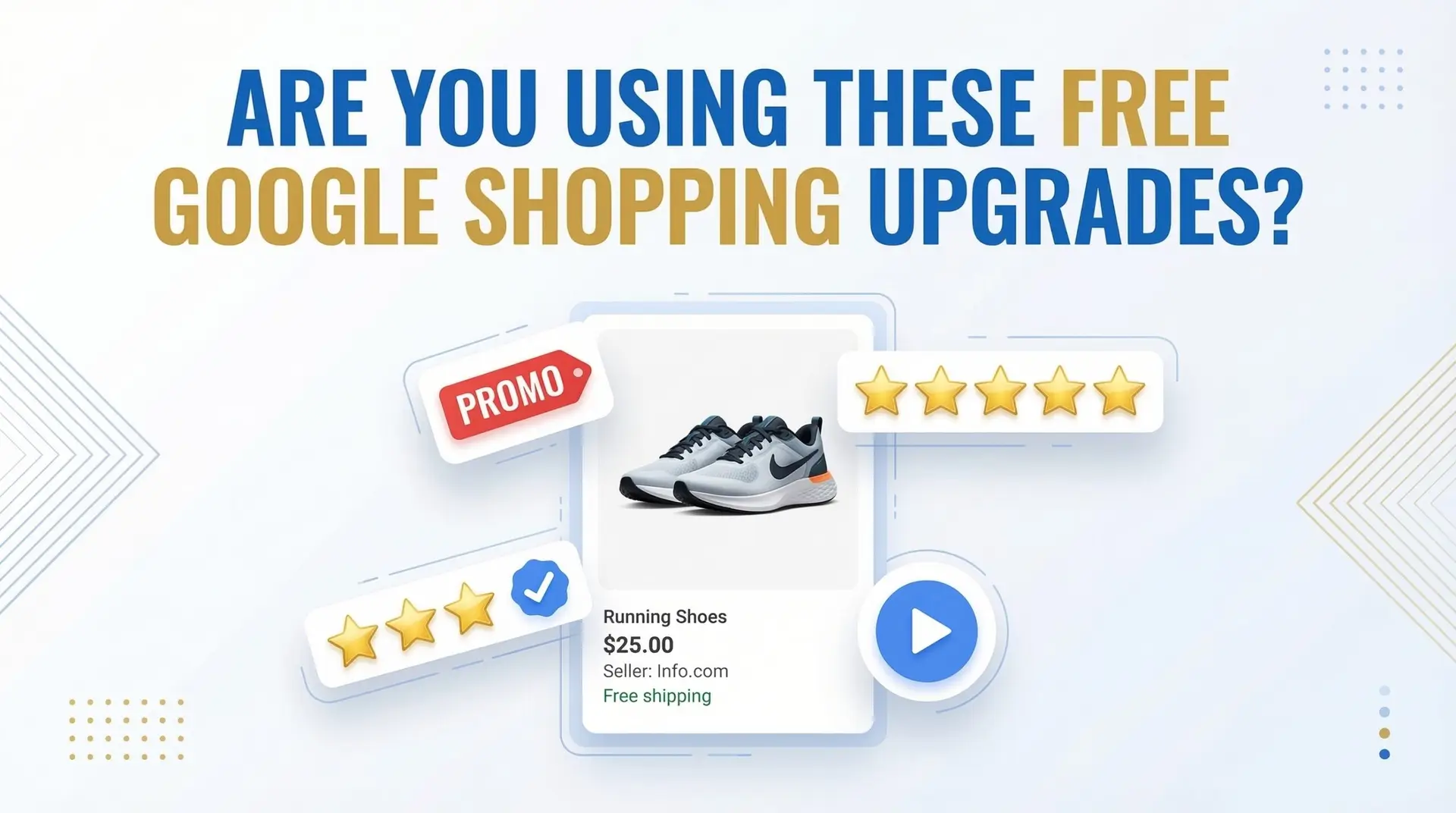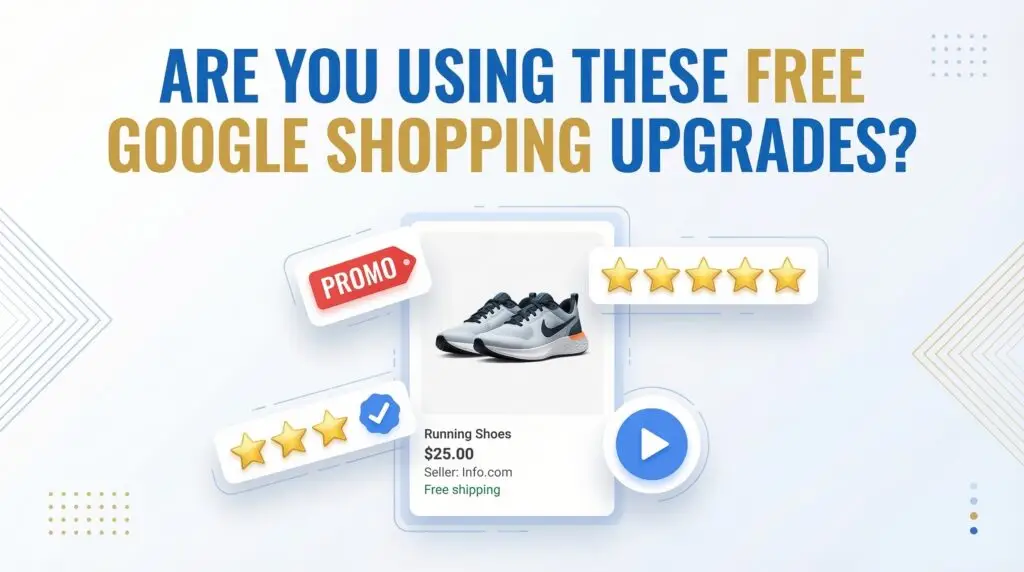
Here’s something I see in almost every Shopping account I audit — the ads are live, the budget is running, but half the free upgrades Google offers are just… not set up.
“Extensions” is actually an outdated term now. Google has fully moved to a system of assets and annotations in Merchant Center. Same idea, new structure — and in 2026, these aren’t optional extras. They’re the difference between a bare product card and one that actually stops a shopper mid-scroll.
The good news? Most of these cost nothing to enable. Let me walk you through the ones that actually move the needle.
Promotion Badges: The Easiest Quick Win
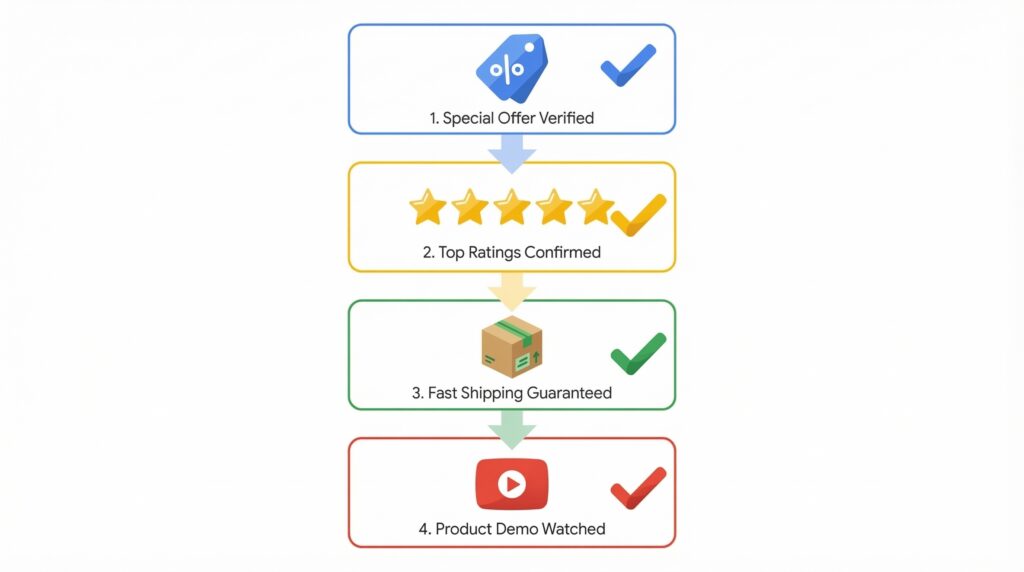
Go to Merchant Center → Promotions and create an offer. It can be a percentage discount, a dollar amount off, free shipping, or even a BOGO deal. Google added support for BOGO and B1G1 abbreviations this year, which makes it way easier to mirror the kind of offers you’re already running in-store or on your site.
The result? A “Special Offer” label appears directly on your Shopping ad. Shoppers see the deal before they even click. That alone can lift CTR without touching your bids.
One thing worth knowing — promotions now support subscription discounts too. If you sell subscription-based products, you can use the subscribe_and_save redemption restriction in your promotions feed to surface that offer. And there’s audience targeting available, so you don’t have to blow your margin by showing discounts to everyone.
Product Ratings: Let Your Reviews Do the Selling
Star ratings on Shopping ads aren’t automatic for everyone — you need at least 50 product reviews across your catalog, and your GTINs need to be accurate so Google can match those reviews to the right products.
Get that right and Google shows aggregated star ratings directly on your ads. No setup cost. No ongoing maintenance. Just social proof sitting right there in the search results.
If you’re not sure why your ratings aren’t showing, the most common culprit is missing or incorrect GTINs. Fix those first.
Shipping, Returns, and the Store Quality Badge
This one gets overlooked because it feels like admin work. But Google is literally scoring your store on shipping cost, delivery speed, and return policy — and there’s a Top Quality Store badge waiting for merchants who hit “Exceptional” across all categories.
That badge shows up on your listing and tells shoppers your store is reliable before they’ve ever visited your site. It’s a trust signal that costs you nothing except getting your Merchant Center settings right. Set your delivery time and cost accurately. Define your return window and return cost. Don’t leave these fields blank or vague — Google notices.
Video Assets: The Underused One
Merchant Center now has a dedicated Video Assets section. You can upload product videos, link your YouTube or social accounts, and Google will use that content across your Shopping and Performance Max placements automatically.
Most advertisers haven’t touched this yet. If you’re running PMax and wondering why your creative is stale — this is where to start. It takes maybe 20 minutes to set up and the algorithm will put those videos to work across multiple surfaces without you lifting another finger.
The Bottom Line
None of this requires extra ad spend. It’s all about getting your Merchant Center house in order. And honestly, if you haven’t audited these settings in the last few months, there’s a real chance you’re running Shopping campaigns that look underdressed compared to your competitors.
Set up your promotions. Get your reviews and GTINs aligned. Fill in your shipping and return details properly. Add your videos. Then go watch your CTR.
Need help getting your Google Shopping campaigns fully optimized? I’ve spent 8+ years managing Google Ads for businesses across industries — and I know exactly where accounts leak clicks and spend. Check out my services here → https://www.upwork.com/freelancers/nazdiocampoaimarketing