If your Google Shopping campaigns feel like a black box, you’re not alone — and the fix isn’t just raising your bids.
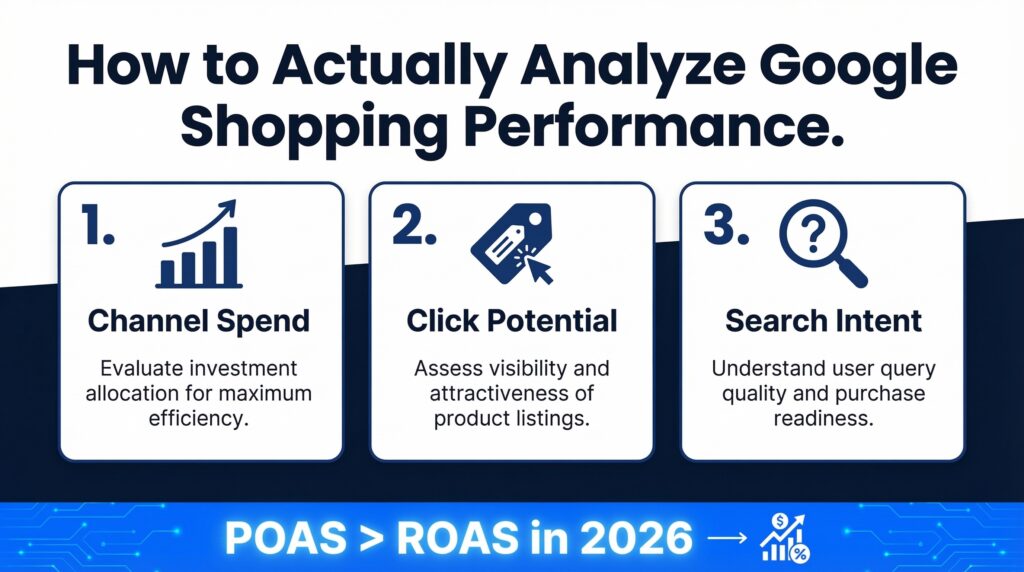
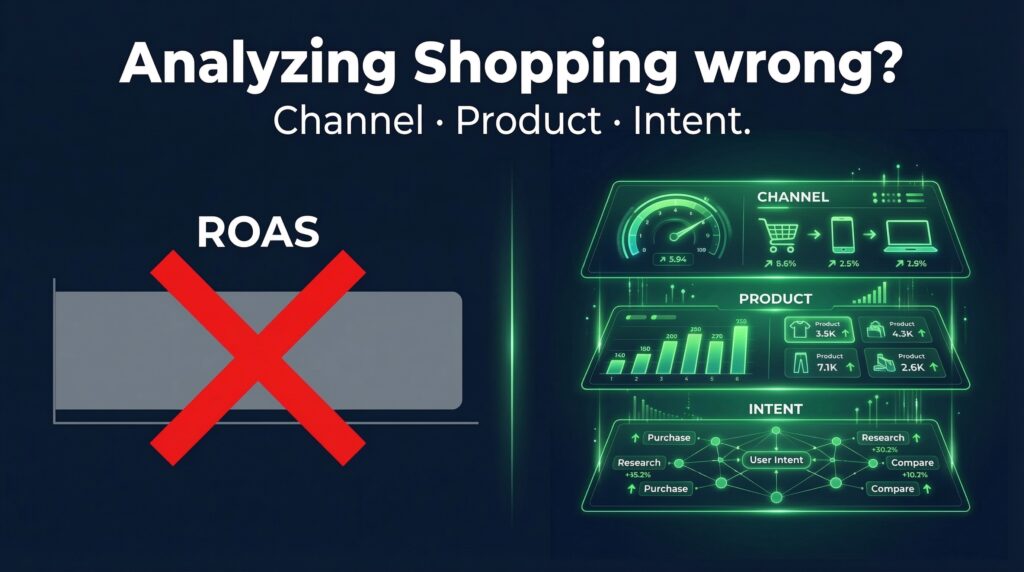
Here’s the thing most advertisers get wrong: they open Google Ads, glance at ROAS, and decide everything is fine (or panic and start changing bids). Neither works. Real Shopping campaign analysis happens at three levels, and if you’re skipping any one of them, you’re probably leaving a significant leak unfixed.
Let me walk you through the framework I use on every account audit.
Level 1: Know Where Your Budget Is Actually Going
This one matters more than ever now that Performance Max is the dominant campaign type. PMax blends spend across Shopping, YouTube, Display, Discover, Gmail, and Maps — all under one budget. The problem? Most advertisers have no idea how that budget is actually being split.
Google’s channel-level reporting (rolled out properly through early 2026) now lets you see exactly what percentage of spend went to each placement type. Here’s the benchmark to know: if more than 40% of your PMax budget is going to non-Shopping placements and your ROAS is underperforming, you don’t have a bidding problem. You have a channel allocation problem. Check the Channel Performance report inside your PMax campaign — it’s the first place I go on any audit.
Level 2: Diagnose Your Products, Not Just Your Campaigns
Campaign-level metrics hide product-level disasters. I can’t tell you how many accounts I’ve opened where the top 5 SKUs were eating 80% of the budget while dozens of other products had zero impressions in 30 days.
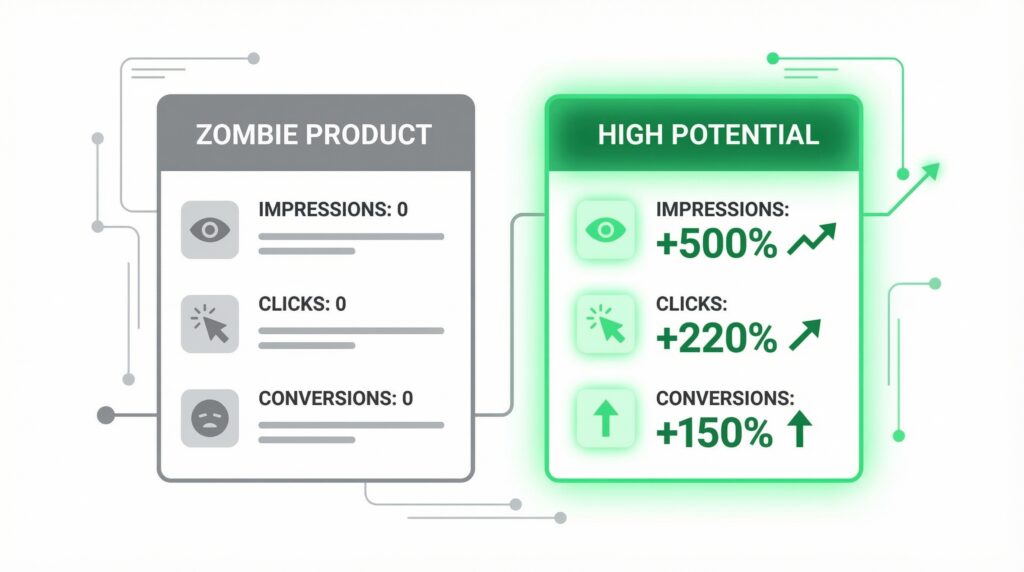
Merchant Center now shows a “Click Potential” ranking — High, Medium, or Low — for each product based on historical performance relative to the rest of your catalog. Your Low potential products, or what I call “zombies” (zero clicks, no impressions), are silently dragging your overall account efficiency down. The fix is usually feed-related: missing attributes, weak titles, no GTINs, or prices that are way above the benchmark. Use the Price Competitiveness report in Merchant Center to see where you’re losing on price — it compares your product prices against aggregated competitor data for the same items.
Fix the feed first. Bid adjustments on broken product data accomplish nothing.
Level 3: Understand What Buyers Are Actually Searching
Search Term Insights in Google Ads now groups Shopping queries into theme categories — so instead of seeing 10,000 individual search terms, you see organized clusters like “running shoes under $100” or “waterproof hiking boots men.” That’s useful. It lets you quickly identify which intent categories are converting at a strong rate and which ones are draining budget.
The action here is simple: find your high-converting search theme categories and reinforce them using search themes in PMax. Find the irrelevant or low-converting clusters and add them as negative keywords at the campaign or account level. This is one of the fastest ways to improve efficiency without touching a single bid.
Stop Measuring Profitability Wrong
Before I wrap up — one more thing, and this one drives me a little crazy when I see it ignored. ROAS measures revenue per dollar spent. But it doesn’t tell you if you’re actually making money.
That’s where POAS — Profit on Ad Spend — comes in. The formula: (Revenue × Gross Margin %) ÷ Ad Spend. A campaign running at 5x ROAS on a product with a 10% margin is generating far less real profit than a campaign running at 3x ROAS on a 60% margin product. If you’re managing budget across multiple product categories with different margins, treating them all to the same ROAS target is a mistake. Set different targets for different margin tiers — that’s how you actually protect profitability, not just revenue numbers.
Run through these three levels weekly and you’ll start catching problems before they compound. Channel spend tells you if your budget is going where it should. Click potential tells you if your products are ready to perform. Search intent tells you if you’re capturing the right demand. And POAS keeps you honest about whether any of it is actually working for your bottom line.
Need help analyzing your Google Shopping campaigns? I’ve spent 8+ years managing Google Ads for businesses — from small e-commerce stores to multi-SKU retailers. If you want a fresh set of expert eyes on your account, let’s connect → https://www.upwork.com/freelancers/nazdiocampoaimarketing